 VGMaps
A Beginner's Guide to Creating Video Game Screenshot Maps
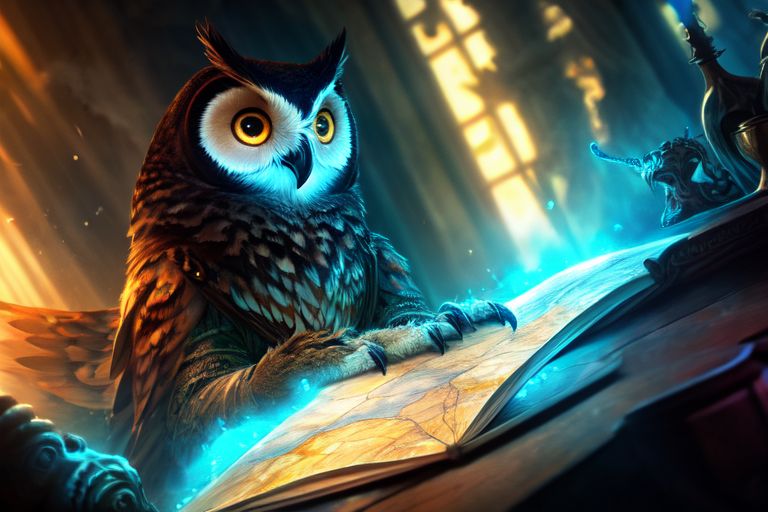
Are you ready to embark on a quest to create the ultimate video game screenshot maps? Look no further, brave adventurer! In this article, we'll guide you through the basics of getting started, and before you know it, you'll be mapping like a pro.
First things first, let's talk about why you should create screenshot maps. It's not because someone else wants you to, or because a particular game needs it. No, no, no! You should do it because you enjoy it. Think of it as a fun side quest that lets you explore your favorite games in a whole new way.
Now, you might be thinking, "But what if someone has already mapped the game?" Fear not, young mapper! It's perfectly fine to create a map of a game that's already been mapped. In fact, it's great practice. Think of it as a way to hone your skills and develop your own unique style. Plus, who says you can't improve upon an existing map?
So, where do you start? Well, why not begin with some classic NES games like Super Mario Bros.? These iconic games are a great way to get your feet wet, and who doesn't love navigating the Mushroom Kingdom?
To get started, you'll need a few basic tools:
- A screenshot capture tool (most emulators and consoles have this feature built-in)
- An image editing software (like Adobe Photoshop or GIMP)
- A willingness to learn and have fun!
Here's a simple step-by-step guide to get you started:
- Play through the game and capture screenshots of each area or level.
- Use your image editing software to stitch the screenshots together, creating a seamless map.
- Add any additional details you like, such as enemy locations, power-ups, or secret areas.
- Repeat the process until you've mapped the entire game.
Tips and Tricks:
- Start small. Don't try to tackle a massive game like The Legend of Zelda right off the bat. Begin with something smaller, like a single level or area.
- Use a consistent naming convention for your files and folders. This will make it easier to keep track of your progress and organize your maps.
- Don't be afraid to experiment and try new things. Screenshot mapping is all about creativity and problem-solving.
In conclusion, creating video game screenshot maps is a fun and rewarding hobby that's perfect for gamers of all skill levels. So, what are you waiting for? Grab your controller, fire up your favorite game, and start mapping!
Remember, the most important thing is to enjoy the process and have fun. Happy mapping, and may your maps be ever accurate and awesome!